


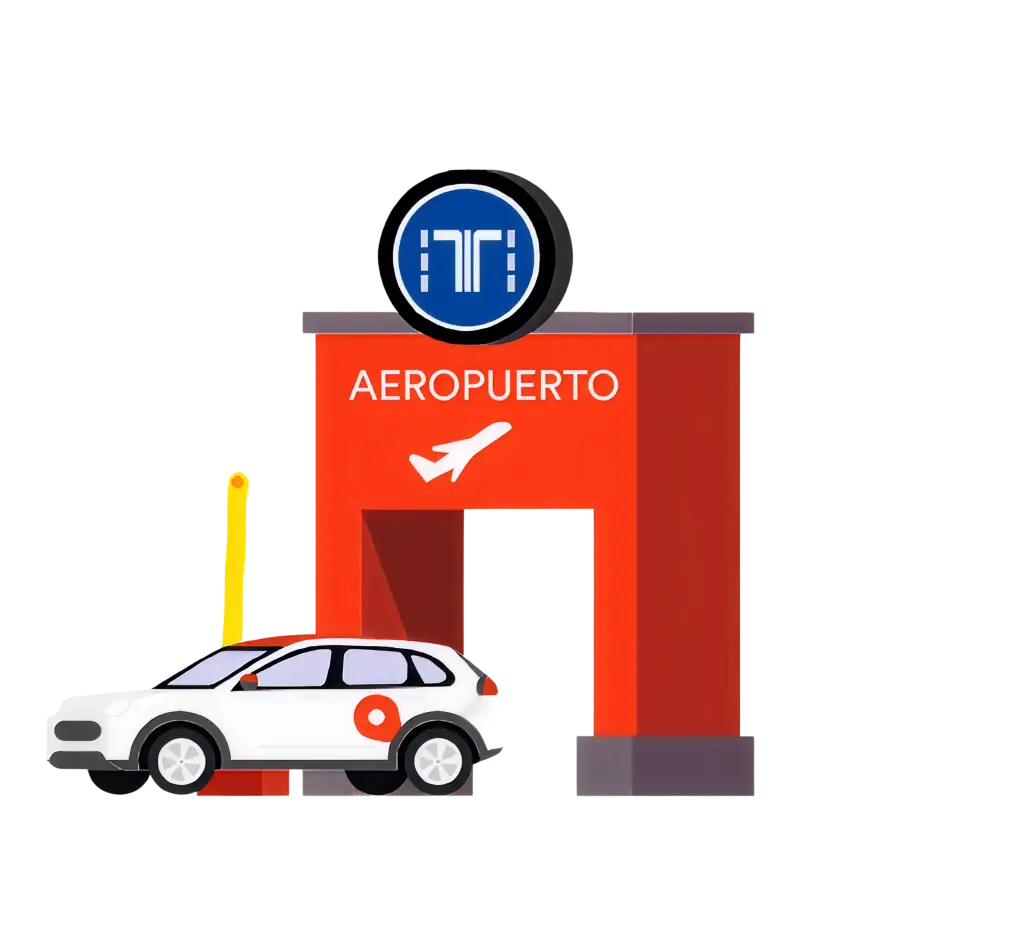
Airport Adolfo Suárez Madrid-Barajas
(T1-T2-T3-T4)
Park or pick up your WiBLE at terminals T1–T4 with fast VIA-T access (no ticket required).
- Reservation: 20 min · If it expires, wait 5 minutes before rebooking the same car.
- Marked zones: Park or pick up only in the areas shown in the app..
- VIA-T: Use VIA-T lanes for entry and exit. The gate opens automatically — no ticket required!
What do you need?
¿Dónde?
Instructions (how to get there):
Head to Parking P1 through the VIA-T access lanes.
Do not take a ticket: the barrier will open automatically.
At the parking:
- Park in any available spot on the surface area within the zone marked in the app.
Instructions (how to get there):
Follow the signs to Parking 4 – Airport (P4).
Enter through the VIA-T lanes (no ticket needed).
Go to Module F, Level 4.
At the parking:
- Park within the area indicated in the app.
Where?
Instructions (how to get there):
Head to Parking P1.
Cross the outdoor pedestrian crossings until you reach the WiBLE area.
At the parking:
Open the app and locate your car.
Reserve it and start your trip.
Exit through VIA-T (no ticket – automatic barrier).
Instructions (how to get there):
Follow the signs to Parking 4 – Airport (P4).
Go to Module F, Level 4.
At the parking:
Book your car through the app.
Exit via VIA-T (no ticket – automatic barrier).